Casalo

AI garden & landscape design

Turn a bare yard into a garden you can picture

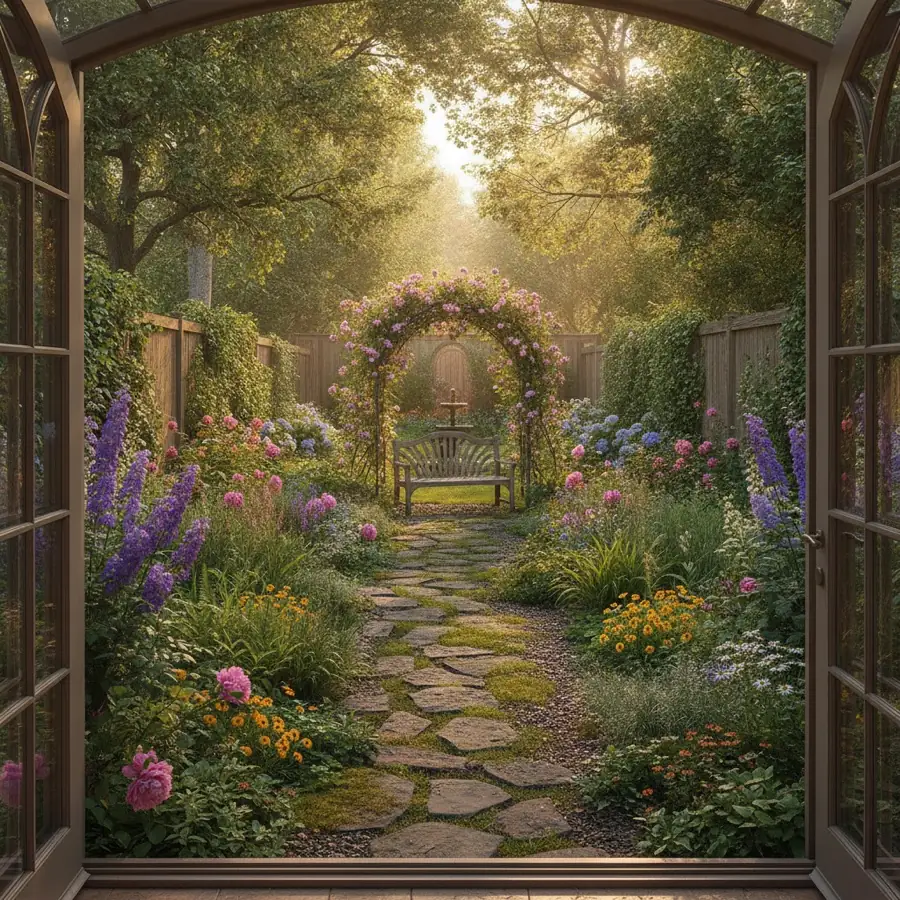
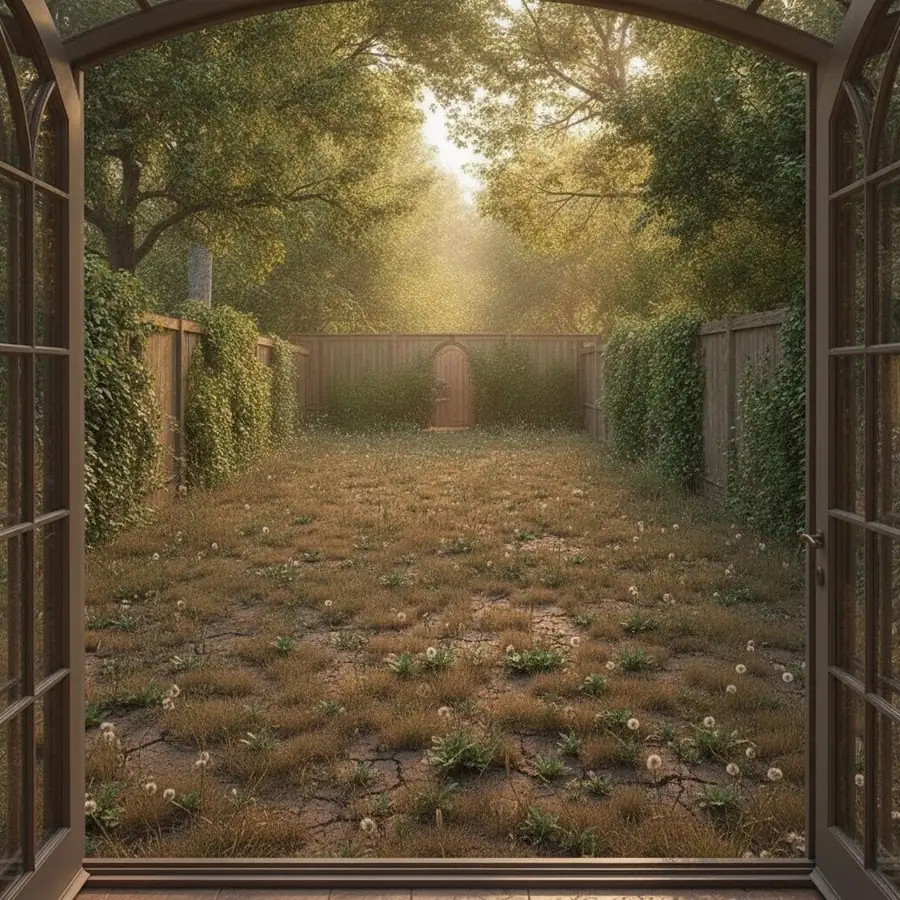
Photograph your backyard, front yard or terrace and Casalo designs paths, beds and planting around the space you already have.

Download Casalo on the App StoreGet Casalo on Google Play
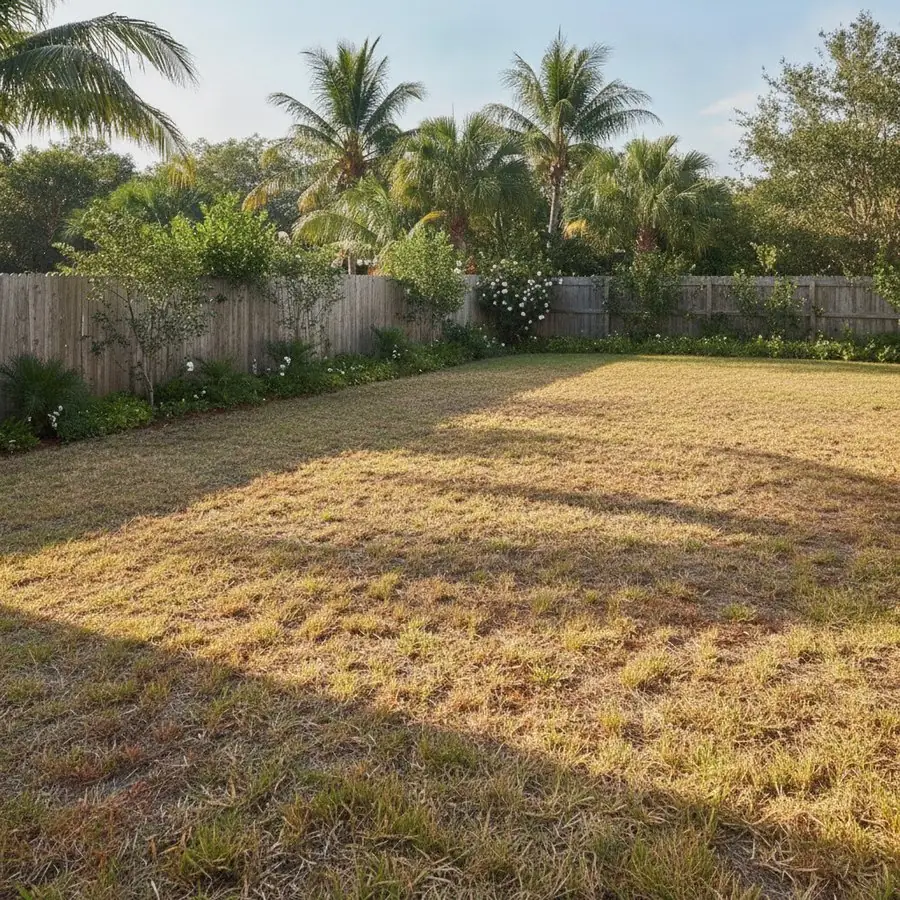
Garden Design — AfterGarden Design — BeforeBeforeAfter

How it works

  1. 1

    Photograph the yard

    Capture the whole area you want to change, ideally in even daylight.

  2. 2

    Choose a garden style

    Tell Casalo what kind of space it is, pick a style, then choose what to add.

  3. 3

    Walk through the options

    Compare with the original and keep every version in your history.

Landscape ideas for the space you actually have

Garden inspiration usually comes from huge, perfectly lit gardens. Casalo starts from your photo — the fence, the slope, the house wall — so the planting and paths you see fit the space as it is, including small yards and side yards.

Add the pieces that change how you use it

A garden is also where you sit, swim and eat. Separate tools handle each one.

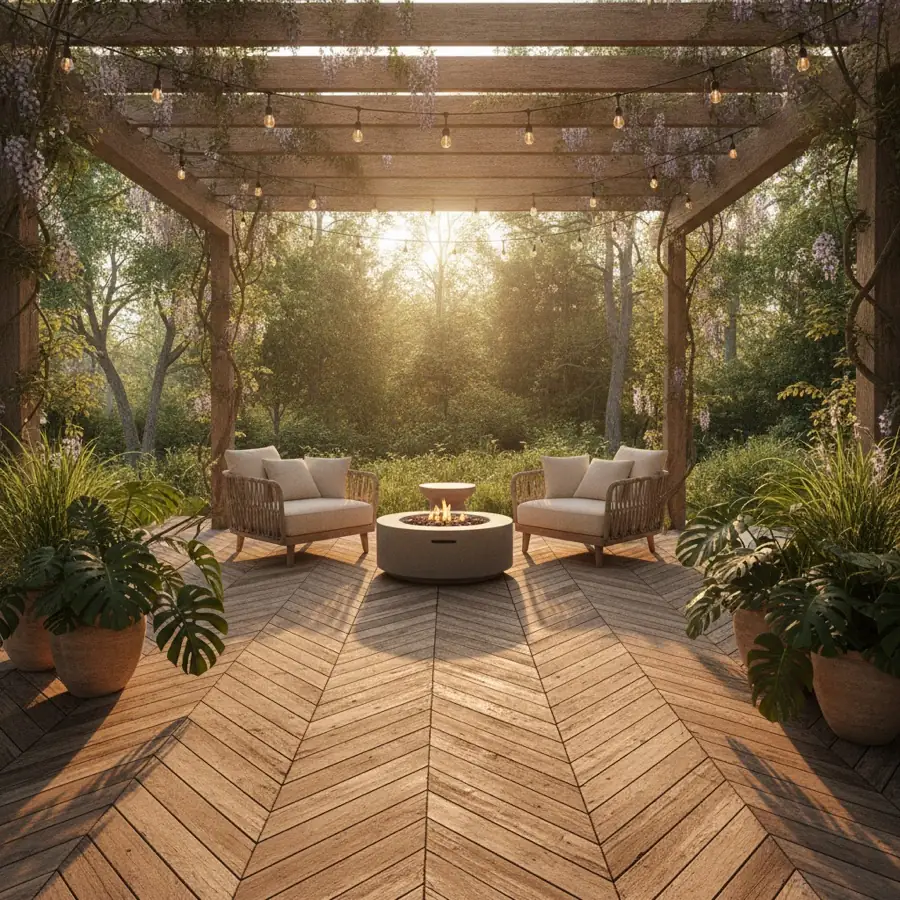
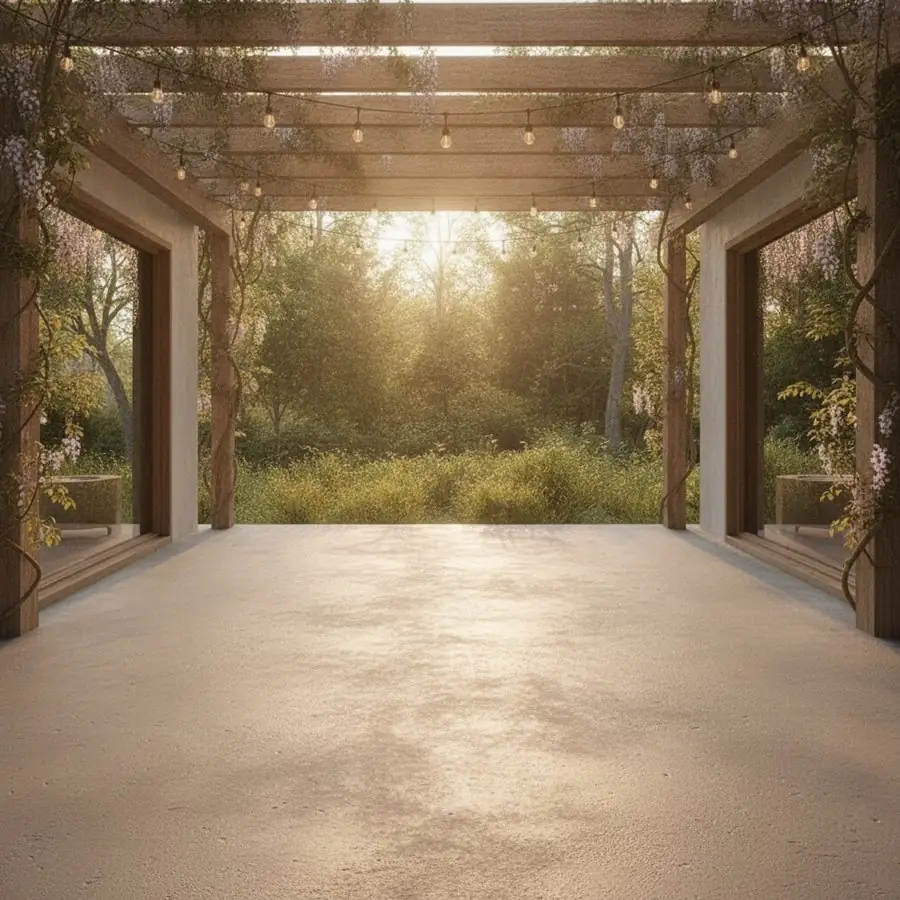
  • Patio: nine styles for the space outside your door
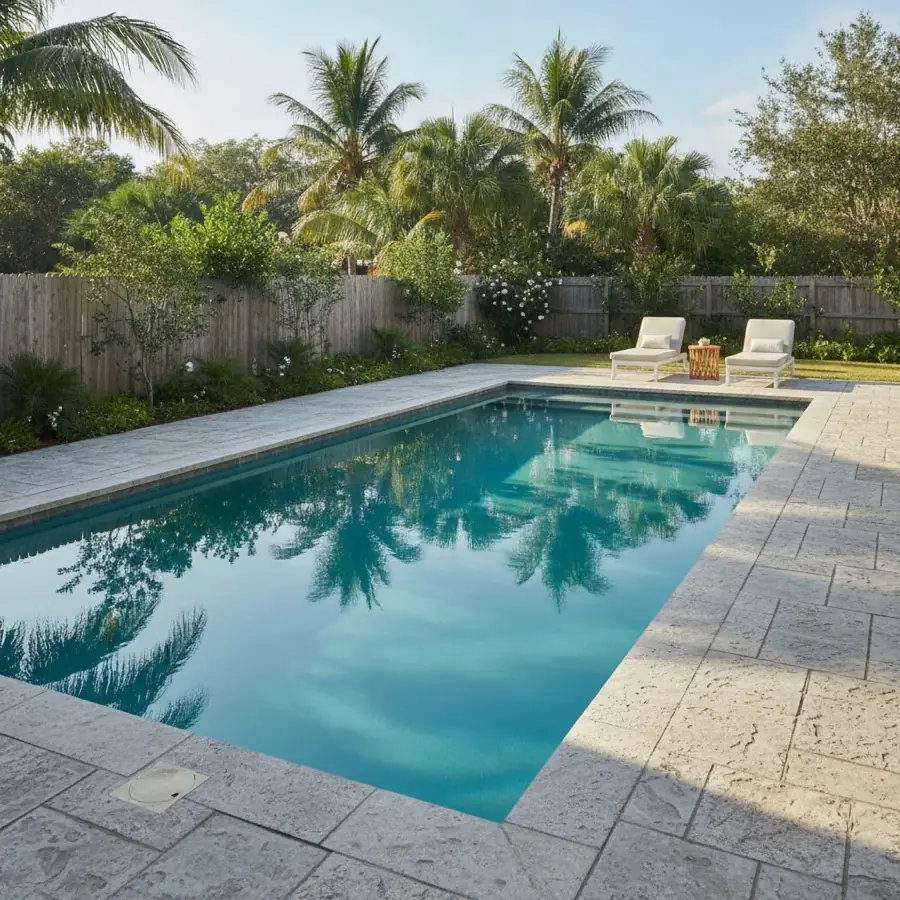
  • Pool: ten pool styles for the yard you already have
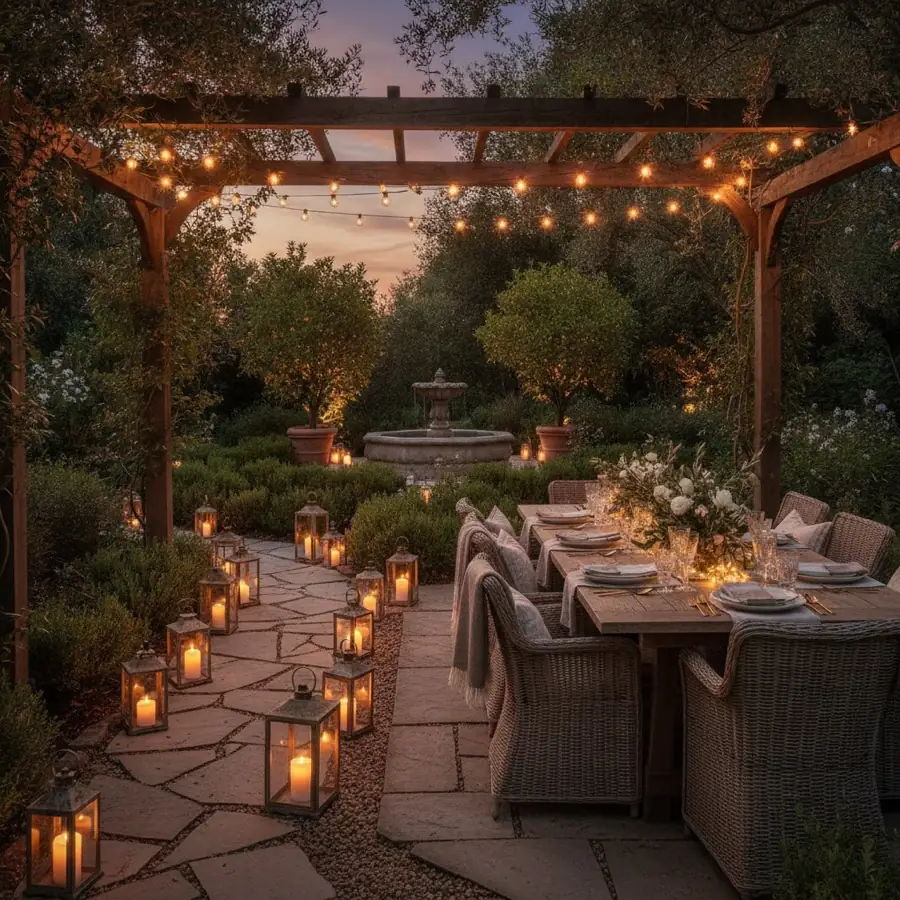
  • Outdoor Lighting: eight looks for the garden after dark

Ask a landscape gardener

The AI Assistant includes a landscape gardener persona that answers in its own field — useful for questions about layout and planting ideas before you talk to a professional.


More before and after

Patio — AfterPatio — BeforeBeforeAfter
PatioNine patio styles for the space outside your door.
Pool — AfterPool — BeforeBeforeAfter
PoolTen pool styles for the yard you already have.

Also in Casalo

  • Outdoor Lighting

    Outdoor Lighting

    Eight lighting looks for the house and garden after dark.

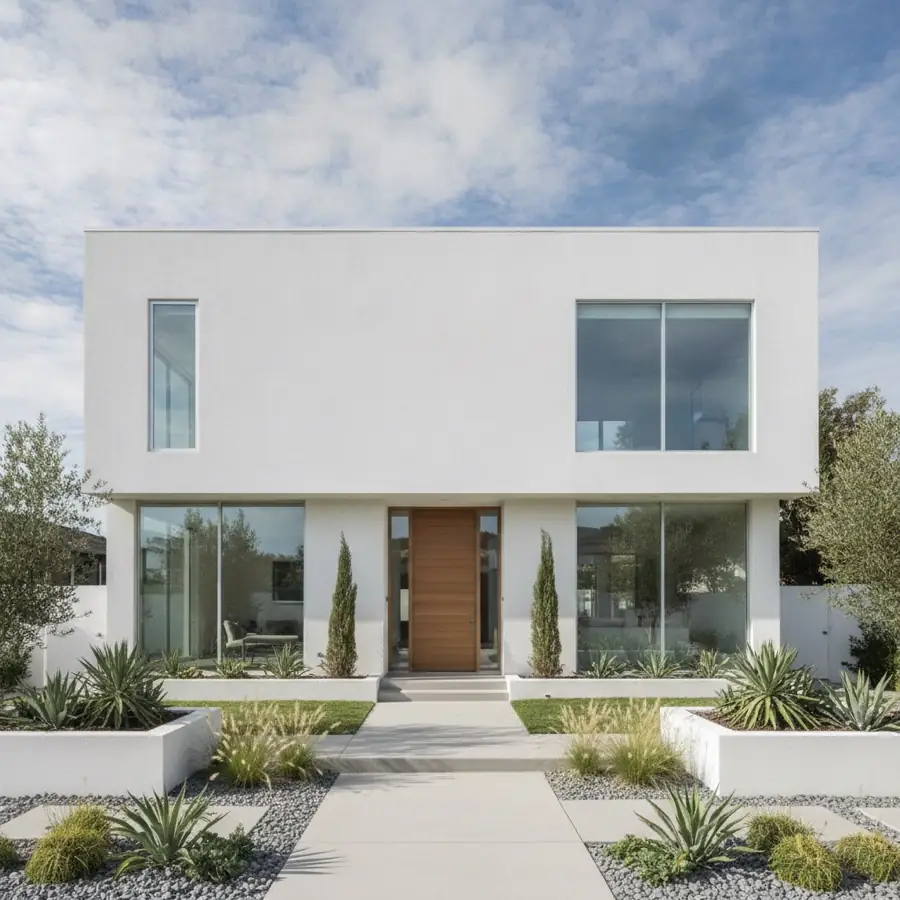
  • Exterior Design

    Exterior Design

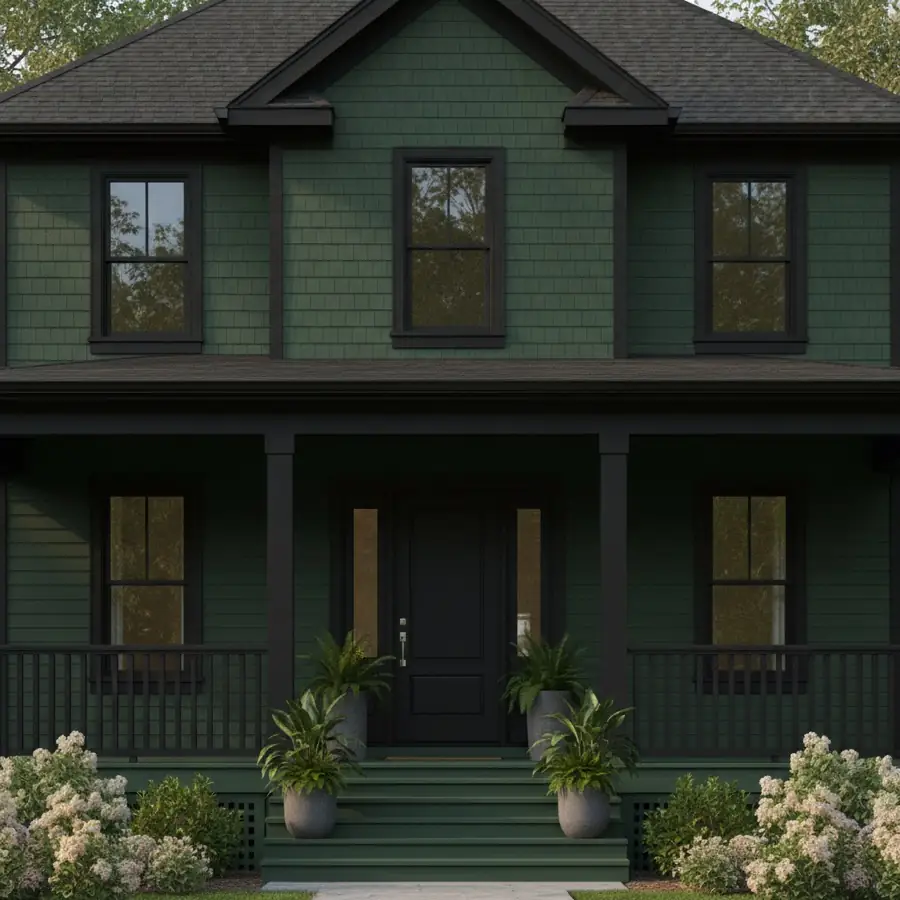
    18 architectural styles and 12 palettes, applied to a photo of your own house.

  • Exterior Painting

    Exterior Painting

    20 palettes plus siding, brick and stone materials.

  • Driveway

    Driveway

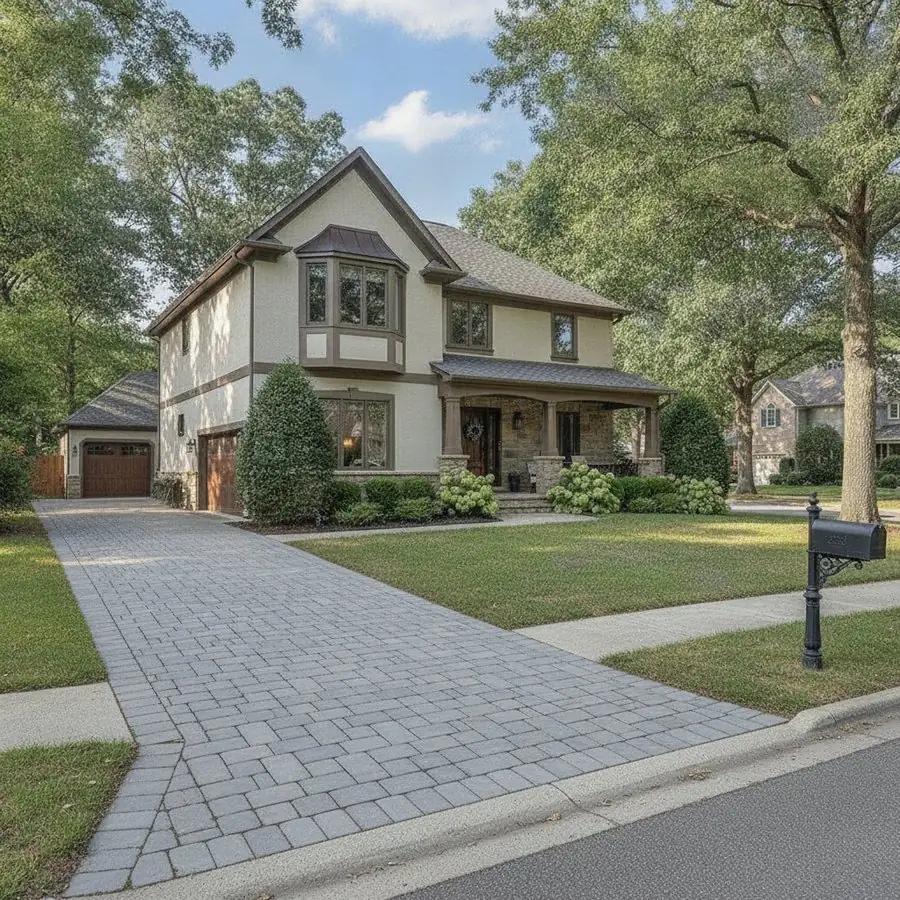
    Resurface the way home.

Questions

Will it tell me which plants to buy?

Garden Design produces a visual of your yard with planting, paths and beds. For questions about plants, the AI Assistant's landscape gardener can help with ideas — but check with a local nursery about what grows in your climate.

Does it work on a small yard or balcony?

Yes. It works on a photo of any outdoor space; the design follows what's in the photo.

Can I add a pool to my yard photo?

Yes. The Pool tool adds a pool in one of ten styles to a photo of your own yard. Treat it as a visualization — whether a pool fits in reality depends on your site and local rules.

See your home redesigned

Free on iPhone, iPad and Android. 3 designs to try, no card needed.

Download Casalo on the App StoreGet Casalo on Google Play